Manage Subscription
You can delegate subscription administration to manage members, view the current subscription, members, and your subscription expiration date. As an owner of the subscription, you can subscribe/unsubscribe or upgrade to a particular subscription plan. As a Teams admin, you can delegate ownership of the subscription to a different member.
note
WaveMaker support team members do not count as the number of developers allowed in the subscribed plan.
- You can access the Manage Subscription page from the administration area by clicking Manage Subscription from the left panel.
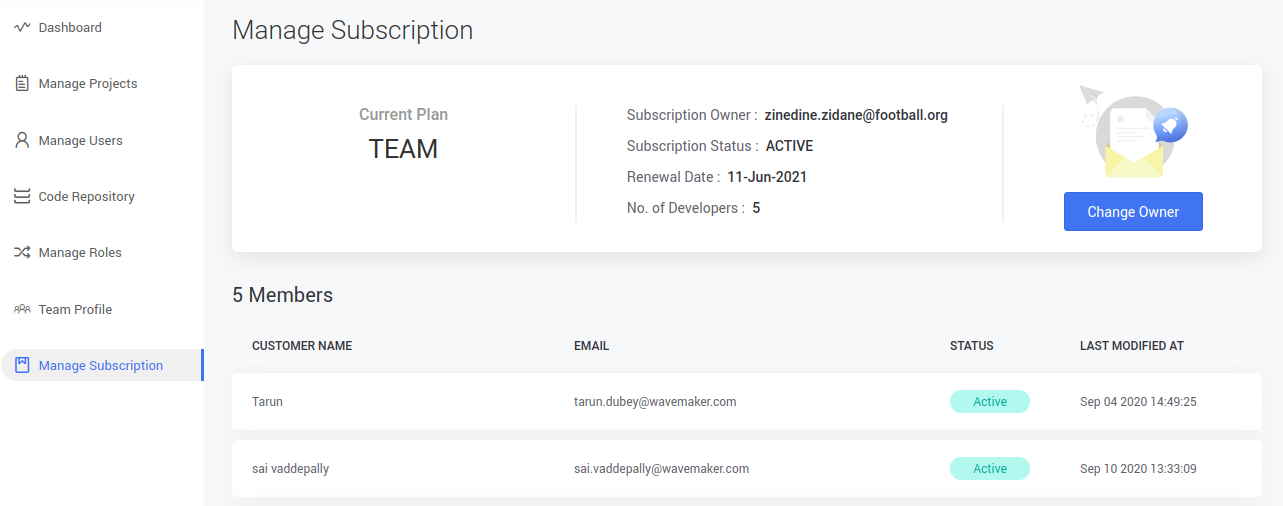
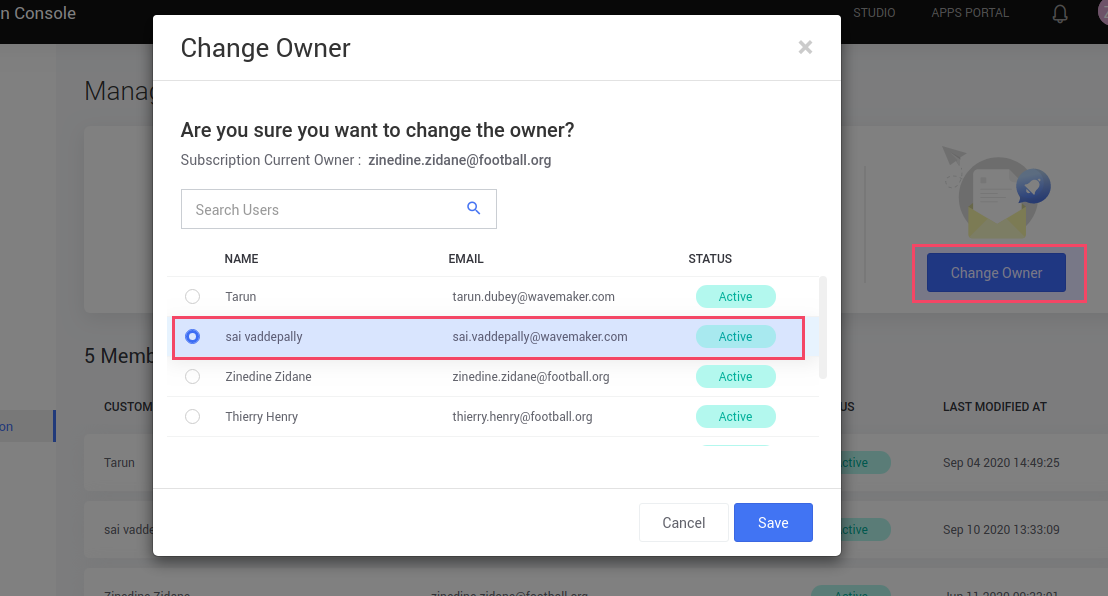
- To change the owner of the subscription, click Change Owner — a pop-up opens.
- Select the member to be make a new subscription owner, and click Save.